
介绍 #
最近在 Github 上发现一个有趣的程序,名字叫做 RunCat。安装后会在任务栏显示一只奔跑的小猫,通过小猫奔跑的速度来判断 CPU 使用率,小猫奔跑的速度越快,CPU 使用率就越高。
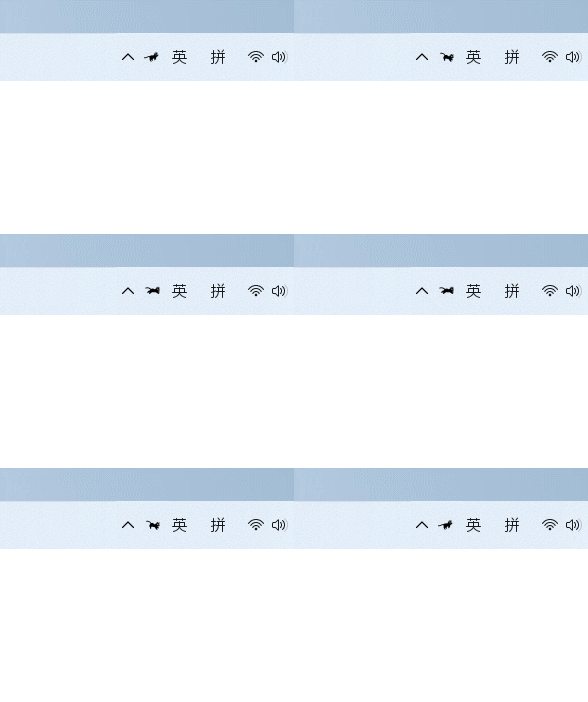
还可以换成一只摇头的鹦鹉,CPU 使用率越高,鹦鹉摇头的速度越快。
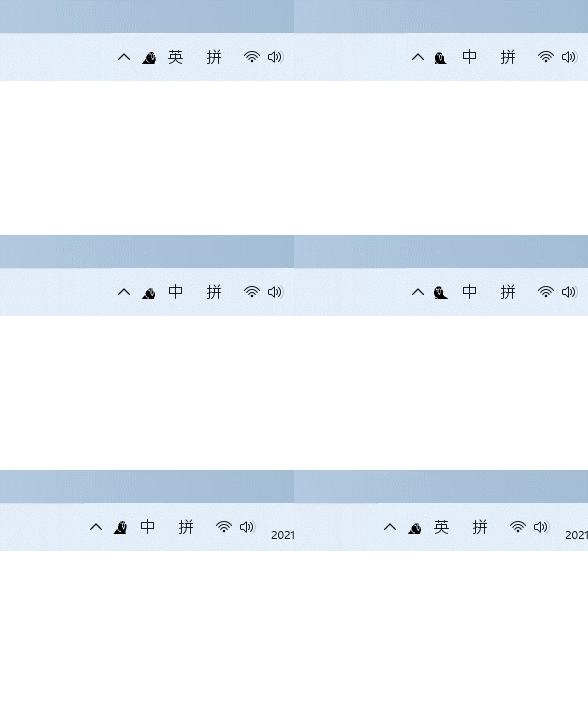
安装 #
Github 项目:<a rel="noreferrer noopener" href="https://github.com/Kyome22/RunCat_for_windows" data-type="URL" data-id="https://github.com/Kyome22/RunCat_for_windows" target="_blank">https://github.com/Kyome22/RunCat_for_windows``
需要安装 .NET CORE 才能运行,已经安装 .NET CORE 选择 RunCat_x64.zip,没有安装 .NET CORE 选择 RunCat_with_.NET5.0.zip。
使用 #
下载完成后解压,双击运行 RunCat.exe,任务栏就会出现一只奔跑的小猫了。
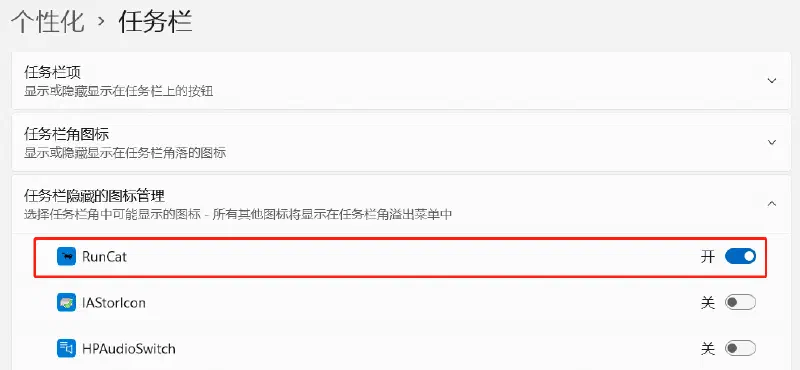
如果使用的是 Windows 11 系统,可能不会在任务栏显示,需要在设置——个性化——任务栏——任务栏隐藏的图标管理中开启 RunCat。